
A polished dashboard doesn't stop a truck. The control that matters happens in the yard, on the tipping floor, or beside a shredder, often with poor signal and gloves on. That's the test for the best safety software for waste management companies. Can a driver or yard worker complete the control at the point of risk, offline, and can a supervisor later prove it happened? Module counts and head office reports come second. If the field record is missing, late, or detached from the site and the task, the system is storage, not control.
Table of Contents
- Quick Picks by Waste Operation Type
- Feature Requirements Waste Operations Need
- Common Approaches and Where Each One Breaks
- Vendor Checklist for Waste Buyers
- How to Move From Paper to Software
- Use Cases and Payback Estimates
Quick Picks by Waste Operation Type
The starting point isn't how many modules a vendor sells. It's where serious harm is most likely in a given operation. Safe Work Australia workers' compensation data for 2022-23 recorded 13.72 serious claims per million hours worked for waste collection, treatment and disposal services, and 21.52 serious claims per million hours worked for the broader waste treatment, disposal and remediation category. Those rates point to field controls, not document storage alone.
Buyers need consistent records for hazards, plant and vehicle interactions, manual handling, chemical exposure, contractor work and site inspections. Records should be kept by site or project, submitted from mobile devices, and closed out with assigned corrective actions. Offline use matters because collection crews and landfill staff don't work beside a reliable office connection.
How to Use This Table
Find the row that matches the largest share of operational risk, then treat its approach as a shortlist, not a verdict. A single-site operator that also runs contractor remediation should test against the remediation row as well, because contractor expiry and sign-on failures can outweigh routine fleet risk. Lone and remote work may also sit outside the table, so operators with isolated drivers should check lone worker app options for Australian conditions against the same offline test.
| Operation type | Priority controls | Approach that usually fits |
|---|---|---|
| Single-site skip hire or small collection round | Pre-start checks, incident reporting, training expiry | Self-service forms tool, or a purpose-built WHS platform with only incident, inspection and training modules on |
| Multi-depot collection fleet | Vehicle pre-starts, driver competency, corrective actions across depots | Purpose-built WHS platform with records kept by depot and a dashboard for head office |
| Transfer station or materials recovery facility | Traffic and exclusion zones, visitor sign-in, mobile plant, offline capture | Platform with QR visitor sign-in, offline mobile apps and records kept by site |
| Landfill or treatment site with permits | Permit to work, hazardous chemicals register with SDS, equipment and maintenance evidence | Platform with permits and a linked hazardous chemicals register, or an enterprise EHS suite if you run many sites |
| Remediation and contractor-heavy works | Contractor insurances and inductions, subcontractor SWMS sign-on, expiry alerts | Platform with contractor management, document expiry reminders and worker sign-on |
Two checks sit outside the table. Businesses that need ISO 45001 registers for objectives, risks, opportunities and non-conformances should confirm those modules are included before any trial starts. Operations in New Zealand should confirm duties under the Health and Safety at Work Act 2015 and WorkSafe NZ guidance, plus whether site-specific safety plans fit the platform structure.
Practical rule: Shortlist two approaches for the row that matches, then test the offline pre-start first.
Feature Requirements Waste Operations Need
Historical fatality figures show why routine injury administration isn't enough. Safe Work Australia fatality data by industry for 2013 to 2017 recorded 8 worker fatalities in 2016 for waste collection, treatment and disposal, a rate of 24.2 per 100,000 workers, against a construction rate of 3.4 per 100,000 workers that year. Those are historical figures, not a current annual rate, but they show how volatile high-consequence risk is in this sector.
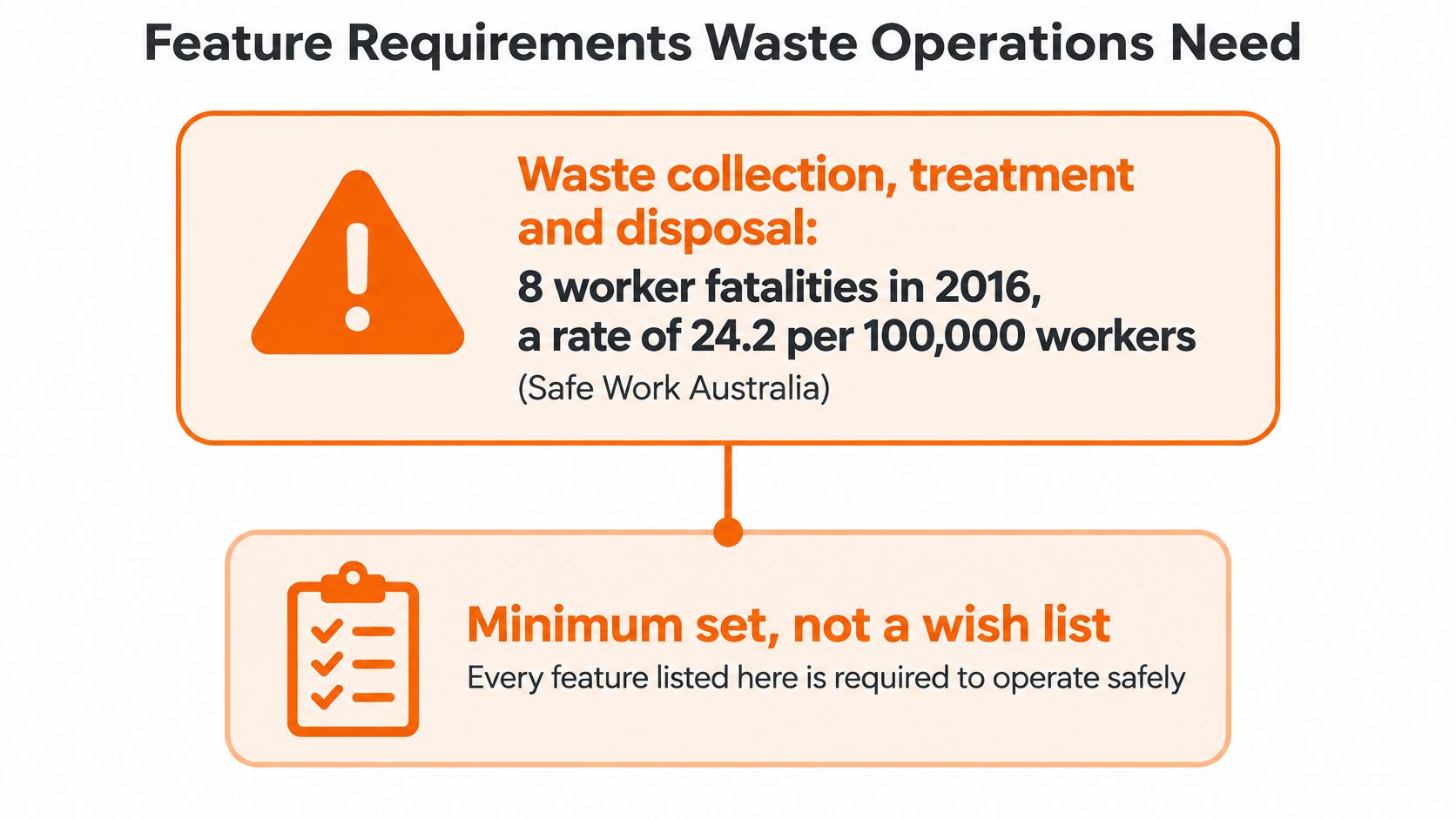
The list below is a minimum set, not a wish list. It groups into three pillars that support due diligence under Australian WHS duties. Hazards are identified, controls are assigned, workers are informed, and follow-up actions are documented.
Three Pillars Waste Buyers Should Test
- Capture at the point of risk: Offline pre-starts, permits, inspections and worker sign-on completed on a phone where the work happens, including yards where heavy vehicle obligations under national law affect driver and vehicle records.
- Control records that link together: Hazard registers by site and waste stream, SWMS or JSA records, equipment registers, inductions and corrective actions with escalation when actions go overdue.
- Proof that stands up later: Site-level dashboards, incident escalation, auditable sign-off and exportable evidence showing who did what, where, and when it was closed.
Under the Health and Safety at Work Act 2015 and WorkSafe NZ guidance, New Zealand buyers usually need site-specific safety plans rather than SWMS. The software should hold that document type without forcing an Australian template onto a New Zealand site.
Run each test in the table on a phone in airplane mode, not from a slide. A feature that can't be tested in the field isn't a waste feature.
| Feature | Why waste operations need it | What to test in a demo |
|---|---|---|
| Offline mobile capture of incidents and inspections | Transfer stations and landfills often have weak connectivity | Complete a pre-start in airplane mode, then confirm it syncs to the site record |
| Hazard register by site and waste stream | Hazards change with each load and each site | Add a new waste stream and check it appears in that site's register and reports |
| Plant and vehicle pre-start checks | Mobile plant and vehicles drive many high-consequence contacts | Fail a check and confirm the software flags the asset and routes the defect |
| Permit to work with approvals | Clearing blockages and entry tasks need named authorisation | Issue a permit and check the approver and time stamps in the audit trail |
| SWMS or JSA with worker sign-on | Task-specific controls need evidence of who was briefed | Sign on a new worker to a task and produce the signed record |
| Hazardous chemicals register linked to SDS | Unknown loads and changing SDS need current, linked records | Upload an SDS, then check the register link and the version history |
| Visitor induction and QR sign-in | Third parties move near active plant | Scan in as a visitor and confirm the exclusion-zone briefing is recorded |
| Contractor document expiry alerts | Insurances and licences lapse during a job | Set a short expiry date and confirm who receives the reminder |
| Training and competency expiry reminders | Operators need current licences and tickets | Check the reminder list for one role and one site |
| Corrective actions with escalation | Overdue actions are where repeat incidents start | Let an action go overdue and confirm the escalation reaches a manager |
| Equipment and maintenance register | Shredders, conveyors and compactors need maintenance evidence | Add a machine, link an inspection and check the maintenance history |
| Site dashboards and map view | Head office needs trends by site, not one total | Filter by site and by hazard type, then export the view |
| Exportable audit evidence | Regulators and ISO 45001 audits ask for complete records | Export one closed incident with its actions and sign-offs |
| Single sign-on and integrations | Avoids double entry with HR, fleet and induction systems | Get the SSO and integration scope in writing before signing |
Common Approaches and Where Each One Breaks
A spreadsheet feels adequate until a hazard crosses teams. That's common in waste, where a load, a contractor, a vehicle movement and a site inspection can all relate to one event. If those records sit in separate files, nobody can prove the full chain of controls.
Queensland's green waste and compost response shows the gap. WorkSafe Queensland's asbestos in soil response report for February to April 2024 recorded 141 samples collected, with 5 samples returning positive results for asbestos, alongside 30 workplace assessments, 23 prohibition notices and 3 improvement notices. An event like that spans sampling, site assessment, notice response and corrective action. A register holding only the SDS leaves most of that chain untracked.
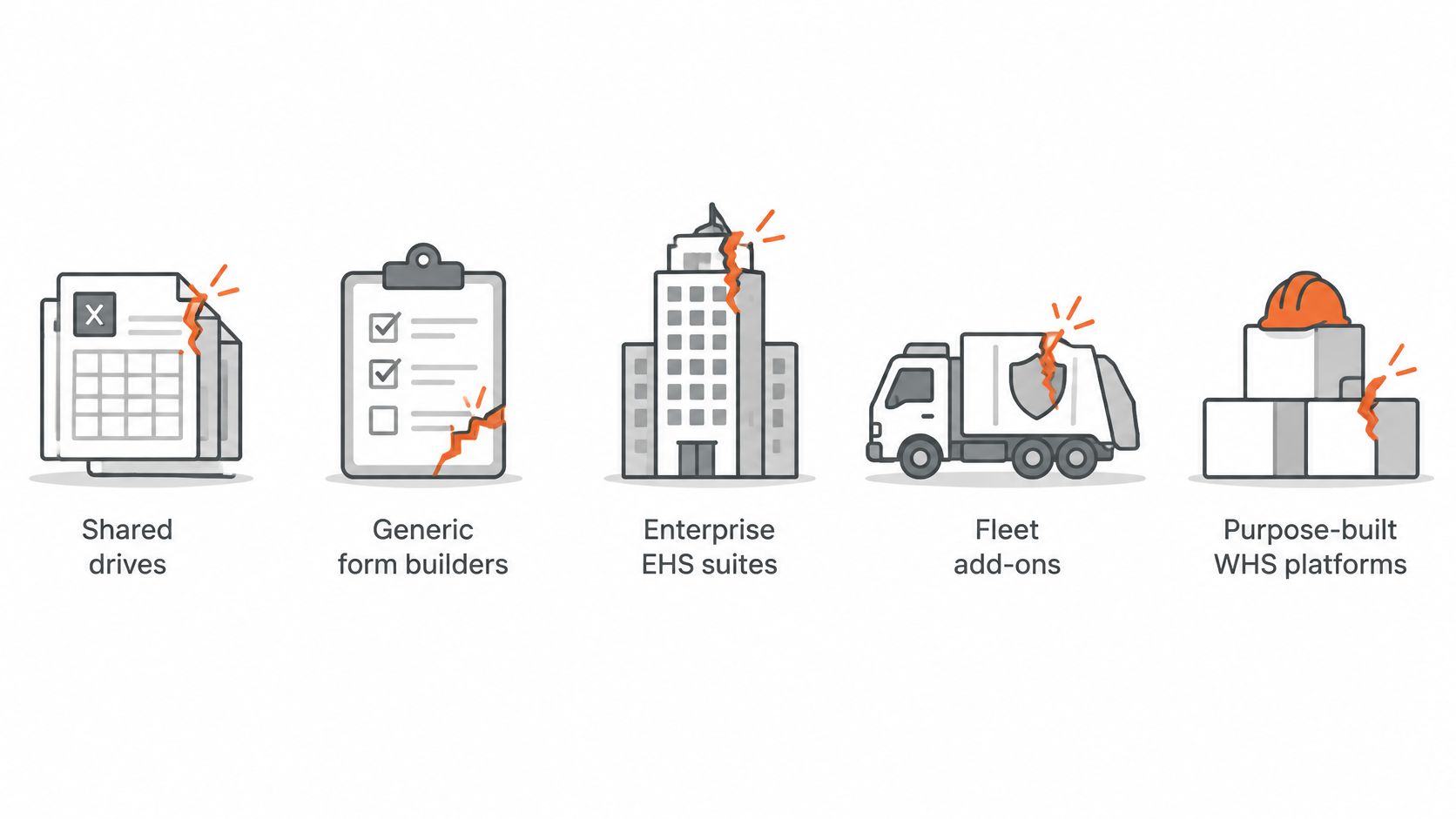
Five Approaches Buyers Usually Compare
One test separates all five approaches. Can a driver or spotter complete the control at the point of risk, offline at the pit face or on the truck, and does the record left behind prove the control ran? Module counts and dashboards answer a different question.
Spreadsheets and shared drives are fast to start and easy to edit. They break on version drift, missing expiry alerts and no offline capture at the landfill face or in a transfer station pit. A supervisor can update a register in the office while the yard uses yesterday's copy.
Generic form builders handle forms well and roll out quickly. They break when hazard data, permits, inductions and corrective actions don't share a site record. Teams end up searching across tools during an incident, which is why buyers comparing incident reporting software in Australia should test the link from report to action, not the form alone.
Enterprise EHS suites offer depth and strong audit trails. They can take longer to configure and suit groups with several sites and dedicated EHS staff. A small operator may pay for complexity field crews won't use.
Fleet system safety add-ons capture vehicle data and pre-starts well. They tend to be thin on contractors, visitors, permits and hazardous materials. That leaves the transfer station interface unmanaged.
Purpose-built WHS platforms on modular plans work when each module links to the same site and task. They break if modules operate as separate lists with no shared worker, asset or action record.
| Approach | What works | Where it breaks in waste operations |
|---|---|---|
| Spreadsheets and shared drives | Fast to start and easy to edit | No offline capture, no expiry alerts, versions drift |
| Generic form builders | Good forms and quick rollout | Hazard data, permits and corrective actions sit in separate places |
| Enterprise EHS suites | Deep modules and strong audit trails | Slow to configure; suits groups with several sites and dedicated EHS staff |
| Fleet system safety add-ons | Vehicle data and pre-starts captured well | Thin on contractors, visitors and hazardous materials |
| Purpose-built WHS platforms on modular plans | Works when modules share the same site and task records | Breaks if modules do not link to the same site, worker and corrective action |
A concrete failure looks like this. A contractor's public liability insurance lapses mid-contract. The certificate sits in a register, but gate sign-in runs off a separate sheet, so the driver keeps entering the site for weeks. Every document existed somewhere. Nothing stopped the truck at the gate, and no record showed the control was ever checked.
Vendor Checklist for Waste Buyers
Feature tests don't cover commercial lock-in, setup ownership or support. Those questions should be asked in writing before a pilot, not after data has been loaded. Each item below gives the question, the good answer and the red flag in plain terms.
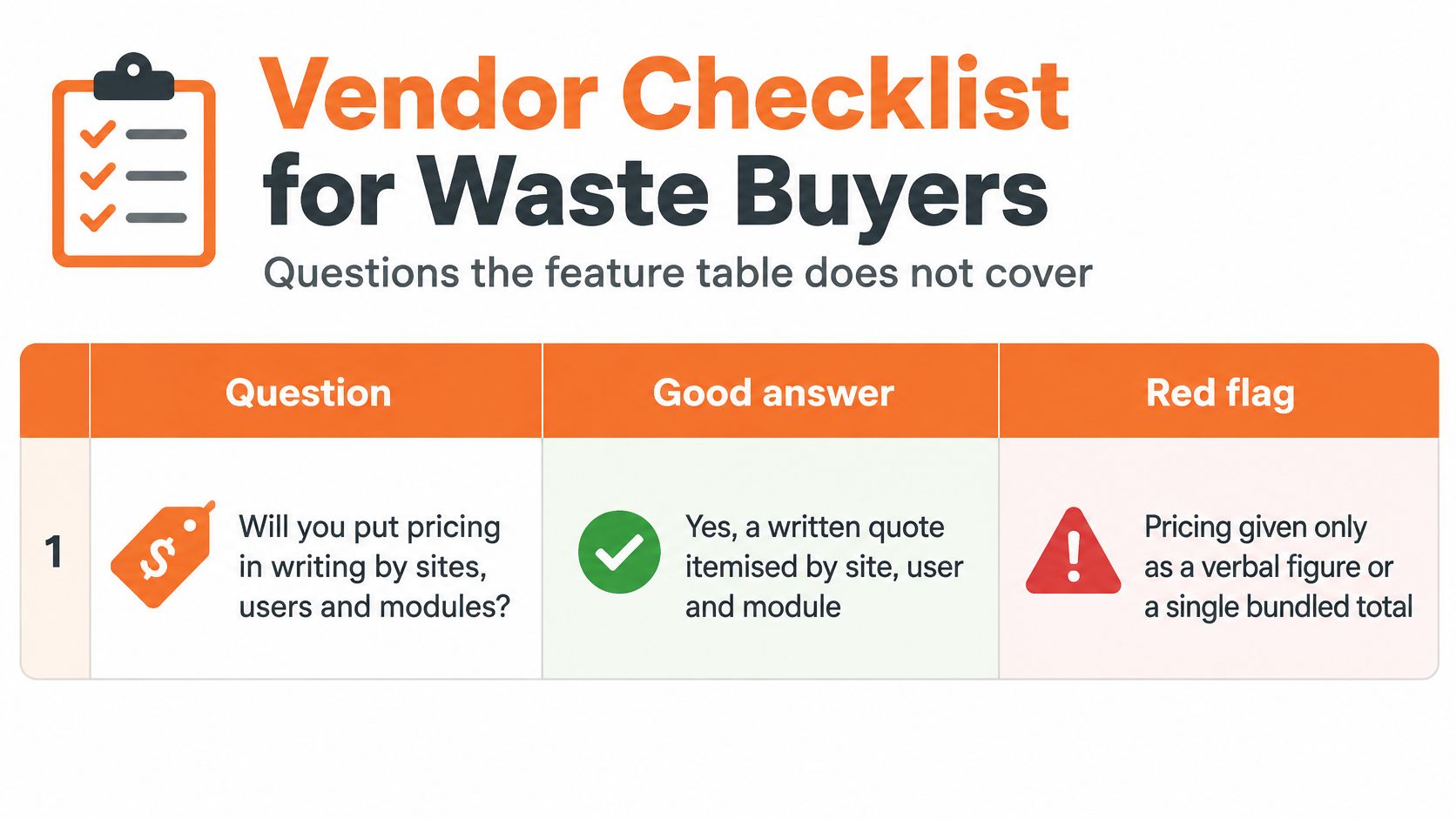
Six Questions to Put in Writing
- Pricing by sites, users and modules: Good answer is a written quote showing each tier and what changes at each step. Red flag is pricing available only on a call.
- Named waste reference: Good answer is a contact at a waste, transfer or recycling operator with a similar site count who can be called directly. Red flag is generic references from unrelated industries only.
- Contract term and export on exit: Good answer is a stated term plus full export of all records in an open format before cancellation. Red flag is no export before exit.
- Setup ownership and support hours: Good answer is a named owner who builds forms and runs setup, with written support hours. Red flag is setup left entirely to the buyer.
- Permissions by role: Good answer is role-based access for drivers, supervisors, contractors and office administrators, shown live on a phone. Red flag is one admin role for every user.
- Guidance changes: Good answer is a dated change log with a named owner showing how model codes or guidance changes reach forms. Red flag is no answer beyond the next release.
Offline use, expiry alerts, audit trails and integrations don't belong on this list. They belong in the demo, run on a live device at a real site. A vendor that answers commercial questions clearly but won't run field tests hasn't passed the waste test, and a vendor that demos well but won't confirm export terms creates a different risk.
How to Move From Paper to Software
Rollouts at depots with no defined site structure stall in week two. The usual causes are unchecked SDS versions, paper forms nobody retired, and yards that exist on the ground but not in the software. A controlled move keeps one site as the proof point before the rest of the business changes how records are kept.
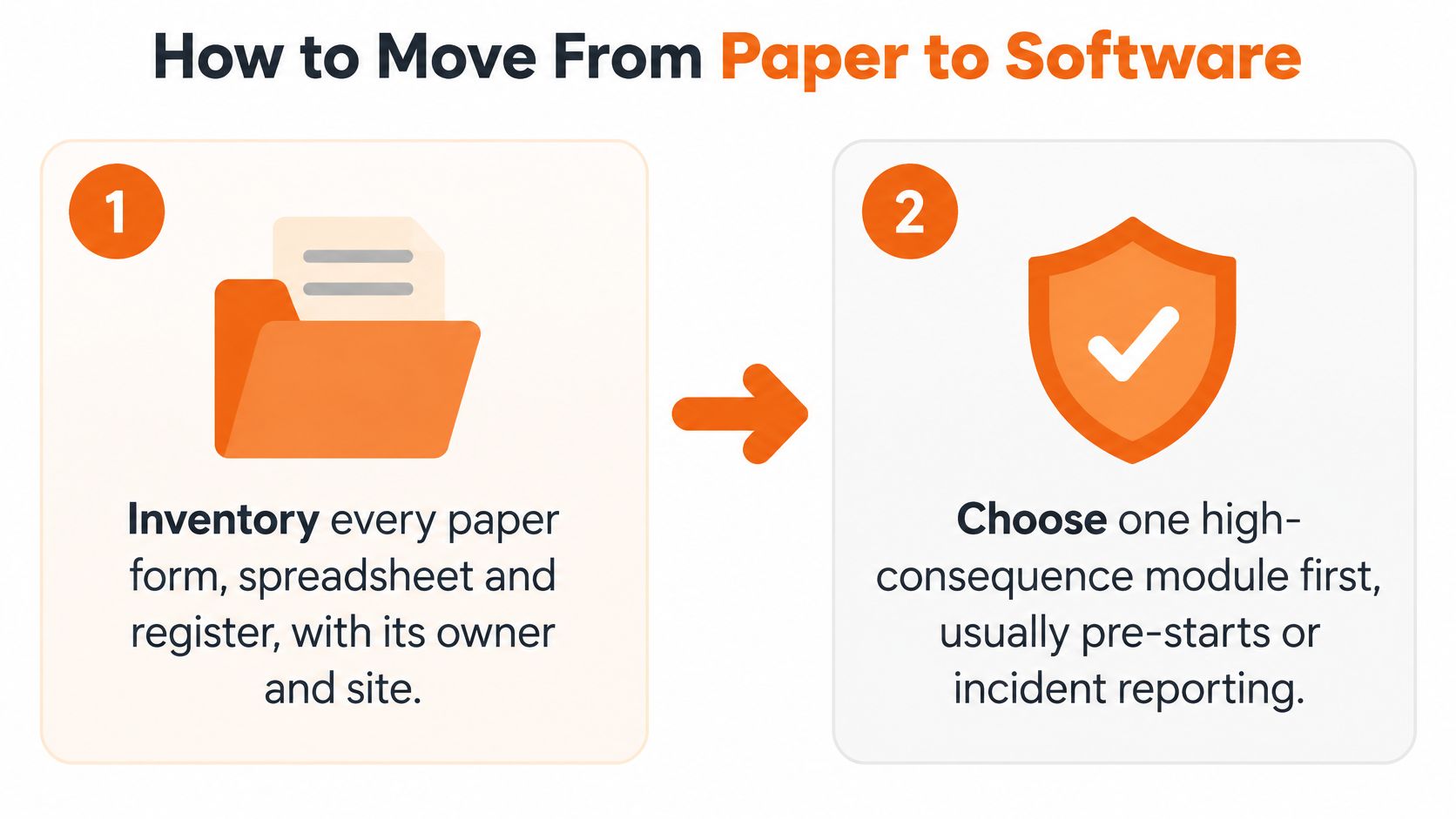
Eight Steps in Order
- Inventory every record: List each paper form, spreadsheet and register, with its owner and site.
- Choose one high-consequence module first: Start with pre-starts or incident reporting before adding further forms.
- Build the site structure: Set up each depot, transfer station, landfill cell and yard as its own site.
- Load hazards and SDS by waste stream: Check versions with supervisors before anything goes live. The configuration work happens in the software at this stage. In a platform such as Safety Space, that means loading the hazard register, hazardous chemicals register with SDS files, and site records that the confirmed modules use. A module implied by a sales deck may not exist. Confirm it on the live system.
- Set permissions: Drivers complete forms, supervisors approve, and an administrator owns the registers.
- Run one site in parallel: Use paper and software together for a set trial period and log every gap.
- Turn on expiry reminders: Apply them to licences, insurances and inductions so lapses surface before work starts.
- Retire paper site by site: Remove paper for that site only after parallel records match.
Step four carries the most hidden work. Supervisors should check that each waste stream has current hazards, linked SDS information and the right inspection forms. If old procedures conflict with current practice, fix the procedure first. Digitising a wrong instruction only spreads it faster.
Parallel running needs discipline too. Log every gap as a defect with a named owner. Common gaps include missing assets, workers without logins, forms too long for gloves or rain, and sync delays in parts of the site with poor coverage. The parallel run is also where the decisive test happens: can a driver complete the pre-start offline at the truck, and does the record prove the control existed before the wheels moved? A form that only works at the depot office fails that test.
Competent person rule: A competent person reviews any software-drafted document before it goes live.
That review applies to SWMS, JSAs, procedures, toolbox talks and inspection forms. The software drafts and stores. Judging whether a control suits a specific shredder, cell, route or load stays with the competent person, and that judgement is what makes the digital record defensible.
Use Cases and Payback Estimates
A Queensland prosecution gives buyers a concrete test for any safety system. WorkSafe Queensland's report on the shredder fatality prosecution states a waste transfer and recycling business was fined A$140,000 after a worker died clearing a blockage in an onsite shredder on 22 January 2021. The investigation found no risk assessment for the shredder, no training or documented procedure for clearing blockages, and only an undocumented lockout and tagout approach, while non-operational teeth contributed to blockages.
Apply that case as a live test. Before work starts, can a supervisor produce a plant-specific hazard entry, a documented procedure, a permit, a training record and maintenance evidence for that one machine? If those five items can't be pulled together for a single asset, the system won't hold up across conveyors, compactors and mobile plant either. The record has to prove the control existed at the point of risk. A module sitting in the menu proves nothing.
Two Further Waste Scenarios
A remediation contractor working across several sites has a different failure point. Insurance and induction expiry alerts need to fire before access is granted, and subcontractor SWMS sign-on needs to be complete before crews enter the work area. If a ticket or SWMS can't be signed off on a phone at the gate, crews will work around it. Records should stay tied to the project and the contractor, not to an email inbox.
A multi-depot collection business faces a visibility problem instead. Depot managers should compare overdue corrective actions by depot each week, using the same definitions across sites. One combined total hides the depot where defects, driver reports and yard hazards keep ageing without close-out.
Building a Payback Case From Own Records
Don't accept a generic payback period. Every input should come from timesheets, the incident register, the corrective-action log or site accounts. Software cost comes from the vendor's written quote by sites, users and modules.
| Cost line | How to estimate it | Where the input comes from |
|---|---|---|
| Supervisor time on paper collation | Hours spent collating paper each week × loaded rate × weeks worked | Timesheets and a two-week time log |
| Incident follow-up and investigation time | Hours per incident × loaded rate × incidents per year | Incident register for the last 12 months |
| Contractor compliance chasing | Admin hours per month × loaded rate × 12 | Office diary kept for one month |
| Overdue corrective actions | Open actions past due × cost to fix the repeat hazard | Corrective-action log |
| Downtime from an incident-driven shutdown | Days closed × daily margin lost | Site accounts and the roster for those days |
Use two formulas. Annual saving equals the sum of the saving lines in the table. Payback period in months equals annual software cost divided by (annual saving divided by 12).
If a saving line can't be traced to a record, leave it out. A smaller, defensible case beats a large estimate nobody can audit.
Safety Space provides cloud WHS software for waste and other high-risk operations, with modules for incidents, hazards, inspections, permits, SWMS sign-on, hazardous chemicals, contractor documents, training and corrective actions, plus offline mobile apps and records by site. Operators can switch on only the modules needed and test whether field controls work at the point of risk before rolling out further. Visit Safety Space to check the modules against the demo tests and vendor questions in this article.
Ready to Transform Your Safety Management?
Discover how Safety Space can help you implement the strategies discussed in this article.
Explore Safety Space FeaturesRelated Topics
Safety Space Features
Explore all the AI-powered features that make Safety Space the complete workplace safety solution.
Articles & Resources
Explore our complete collection of workplace safety articles, tools, and resources.