Every guide to running a toolbox talk opens with the same three rules: keep it under ten minutes, cover one topic, and get everyone to sign the sheet. Two of those hold up on site. The third is the reason so many organisations can produce a folder of completed forms and still struggle to show that anyone was consulted.
A signature records presence. It doesn't record what the crew was told, what they raised, or what the supervisor decided to change as a result. When a regulator, a principal contractor or an insurer asks how a talk altered a work practice, the sheet has nothing to say.
A toolbox talks template built the other way around starts with the site risk data that triggered the conversation, then captures the decision the crew reached and who owns the fix. Attendance becomes one field among fifteen, not the point of the exercise.
Table of Contents
- Toolbox Talk Template Fields You Can Use Today
- Choosing Talk Topics From Your Site Risk Data
- How to Run a Toolbox Talk Step by Step
- Recording Sign-Offs That Show Real Consultation
- Linking Talks to SWMS, Registers and Digital Records
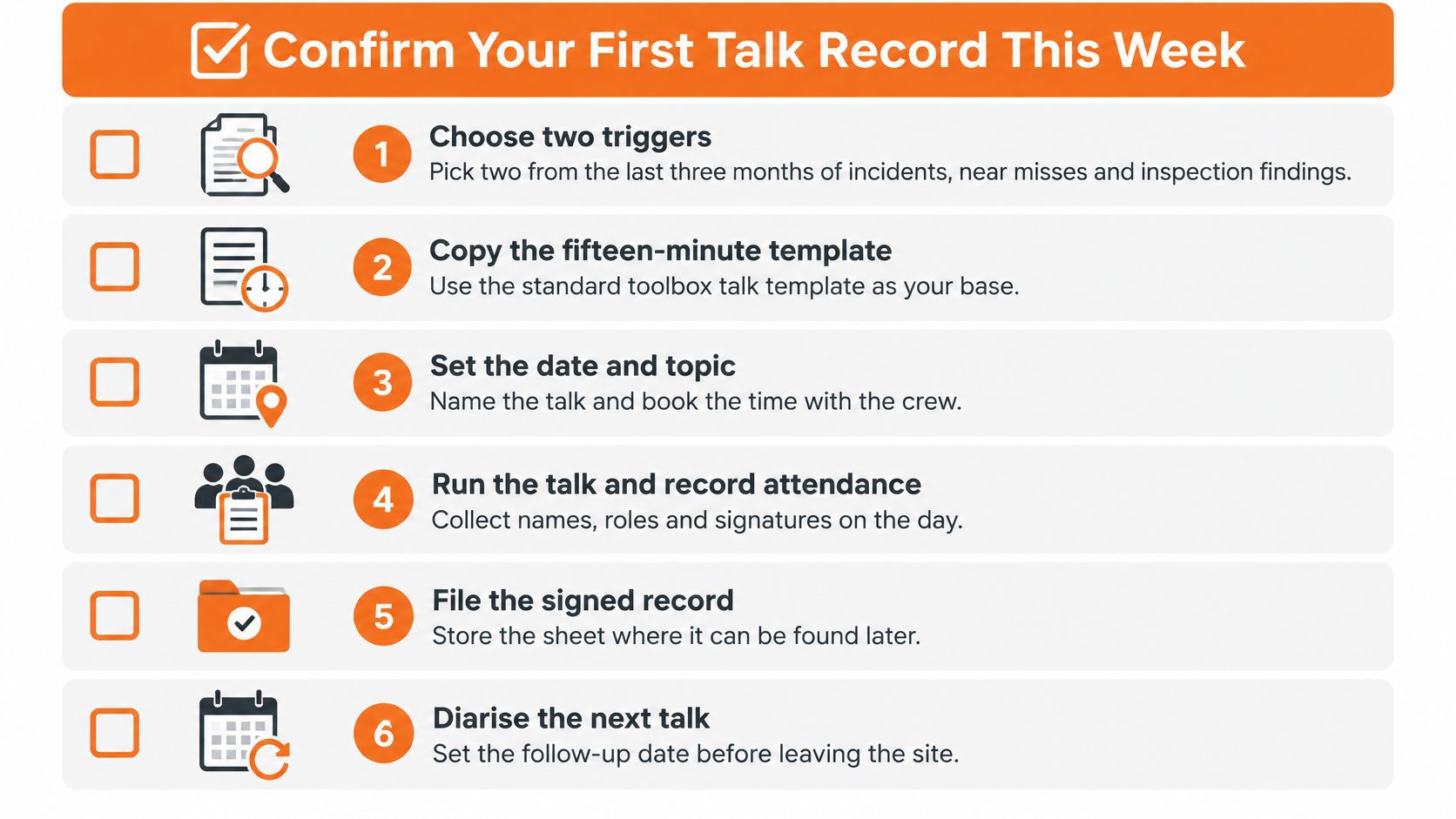
- Confirm Your First Talk Record This Week
Toolbox Talk Template Fields You Can Use Today
Build the form around these fifteen fields, in this order. The sequence matters: a supervisor who works down the page has run the consultation rather than documented a briefing.
| Field | What to enter | Why it matters |
|---|---|---|
| Site or project | Site name, address or project code | Ties the record to one location |
| Date and shift | Date, start time and shift | Shows when the talk happened relative to the work |
| Facilitator | Name and role | Identifies who led the consultation |
| Work activity | The task or change being discussed | Sets the scope of the talk |
| Applicable SWMS, JSA or procedure | Document number and revision | Links the talk to the controls in use |
| Trigger for the talk | Incident, near miss, inspection finding, new plant or non-routine work | Shows why this topic was chosen now |
| Hazards reported | Hazards named by the group, with affected workers | Records what was identified |
| Controls agreed | Controls chosen using the hierarchy of controls | Records the decision |
| Worker questions or observations | At least one entry, or a confirmed 'no issues raised' | Shows workers had a real chance to contribute |
| Attendance and signatures | Printed name, signature and time | Confirms who was present |
| Action owner | Named person for each action | Assigns responsibility |
| Target date | Due date for each action | Makes follow-up checkable |
| Close-out evidence | Photo, updated control or inspection reference | Proves the action was completed |
| Escalation status | Open, escalated or closed, with the register reference | Routes unresolved issues to corrective action |
| Post-talk verification | Result of the check at the next talk or site visit | Confirms the control is understood and in use |
What a complete entry looks like
This filled example covers a forklift pallet-loading talk at a distribution centre loading dock. It's illustrative, not a record from a real site.
- Site and shift: Warehouse 2, day shift, 06:00.
- Work activity and JSA: Loading palletised stock into trailers, JSA-LD-04 revision 3.
- Trigger: Two near misses last week where pedestrians crossed a forklift's rear travel path at bay 6.
- Hazards reported: Reversing blind spot at bay 6, stacked pallets narrowing the marked walkway, deck load rating on the second trailer not confirmed.
- Controls agreed: Walkway cleared and re-marked (engineering), reverse alarm and blue spot checked at pre-start (engineering), exclusion zone barriered during loading (administrative), high-visibility vest for everyone on the dock (PPE).
- Worker question: "Does the exclusion zone stay up during trailer changes?" Answer recorded: yes, until the trailer is chocked and the driver is clear.
- Owner, date, close-out: Dock leading hand, 16 March, photo of the re-marked walkway filed as INS-118.
- Escalation and verification: Linked to corrective action CA-207, confirmed at the 21 March talk with no pedestrian crossings recorded in the following inspection.
The fields earn their place together. SafeWork NSW's guidance on running and recording toolbox talks directs businesses to note who attended, what was discussed, what was decided to fix the hazard, who is responsible and how risks will be reduced (SafeWork NSW toolbox talk guide). Separately, Victorian government procurement guidance treats toolbox-meeting minutes as evidence of consultation and sets a benchmark worth copying: full completion of the record for high-risk topics, and traceability from every unresolved issue through to a corrective-action record (Victorian OHS management system template).
New Zealand businesses can use the identical field set under the Health and Safety at Work Act 2015, and should check WorkSafe NZ guidance for duties that sit differently from the Australian model.
First action: decide which fields are mandatory for high-risk work, write that list into the instructions supervisors carry, and make the worker-question field impossible to leave blank before a record saves.
Choosing Talk Topics From Your Site Risk Data
Topic choice decides whether the talk is worth running. A rotation lifted from a tearoom poster has no connection to the work in front of the crew, and they work that out within ten seconds of sitting down.
Pull candidates from six places: the last twelve months of incident and injury reports, serious-claim trends, high-potential near misses that hurt nobody, inspection and audit findings still open, new plant or chemicals arriving on site, and non-routine work scheduled in the next fortnight.
Rank by consequence, then by exposure
Score each candidate twice. Consequence asks how badly someone could be hurt if the control fails. Exposure asks how many workers meet the hazard and how often. A topic that scores high on both is next week's talk. One that scores high on consequence but low on exposure can wait, or be handled one-to-one with the crew who do it.
The ordering isn't abstract. Safe Work Australia's analysis of national fatality data records that vehicle incidents were the leading cause of traumatic workplace fatalities in 2024, causing 42% of deaths, while falls from height caused 13% (Safe Work Australia media release). On a site with reversing plant, live traffic and roof access, that ordering tells you where the next three briefings go.
Health exposures need the same treatment. Safe Work Australia's Australian Worker Exposure Survey found 68.0% of workers experienced probable exposure to at least one hazardous agent, and construction had the highest likelihood of multiple exposure, with 68.2% probably exposed to five or more agents (Australian Worker Exposure Survey). A talk that names dust, noise and vibration one at a time misses what the crew meets.
| Trigger | Where to find it | Example talk topic |
|---|---|---|
| Incident and injury records | Last 12 months of reports and serious claims | Slip hazards near a loading dock |
| High-potential near misses | Near-miss reports and supervisor notes | Reversing vehicle movements at the gate |
| Inspection and audit findings | Open items from site inspections | Missing guardrails on a mezzanine |
| New plant, chemicals or processes | Plant register, SDS register and change requests | Operating rules for a new elevating work platform |
| Non-routine work | Upcoming permit and high-risk work schedule | Work at heights on a roof replacement |
New plant is the trigger most often skipped. A site that moves to LPG forklifts needs a changeover talk before the first shift with them, and the content depends on the forklift propane cylinder sizes in use, because the size and weight of the cylinder changes how it's handled, where it's stored and what the changeover procedure has to say.
Record the trigger against every talk so the history explains its own choices, and pass the resulting fixes across crews through sharing safety ideas so one site's solution doesn't get rediscovered three months later somewhere else.
Pull the last three months of near misses and inspection findings today. Two triggers on a page is enough to brief the next crew.
How to Run a Toolbox Talk Step by Step
The sequence a supervisor follows on the day is fixed. Skip a step and the record still looks complete, which is the trap.
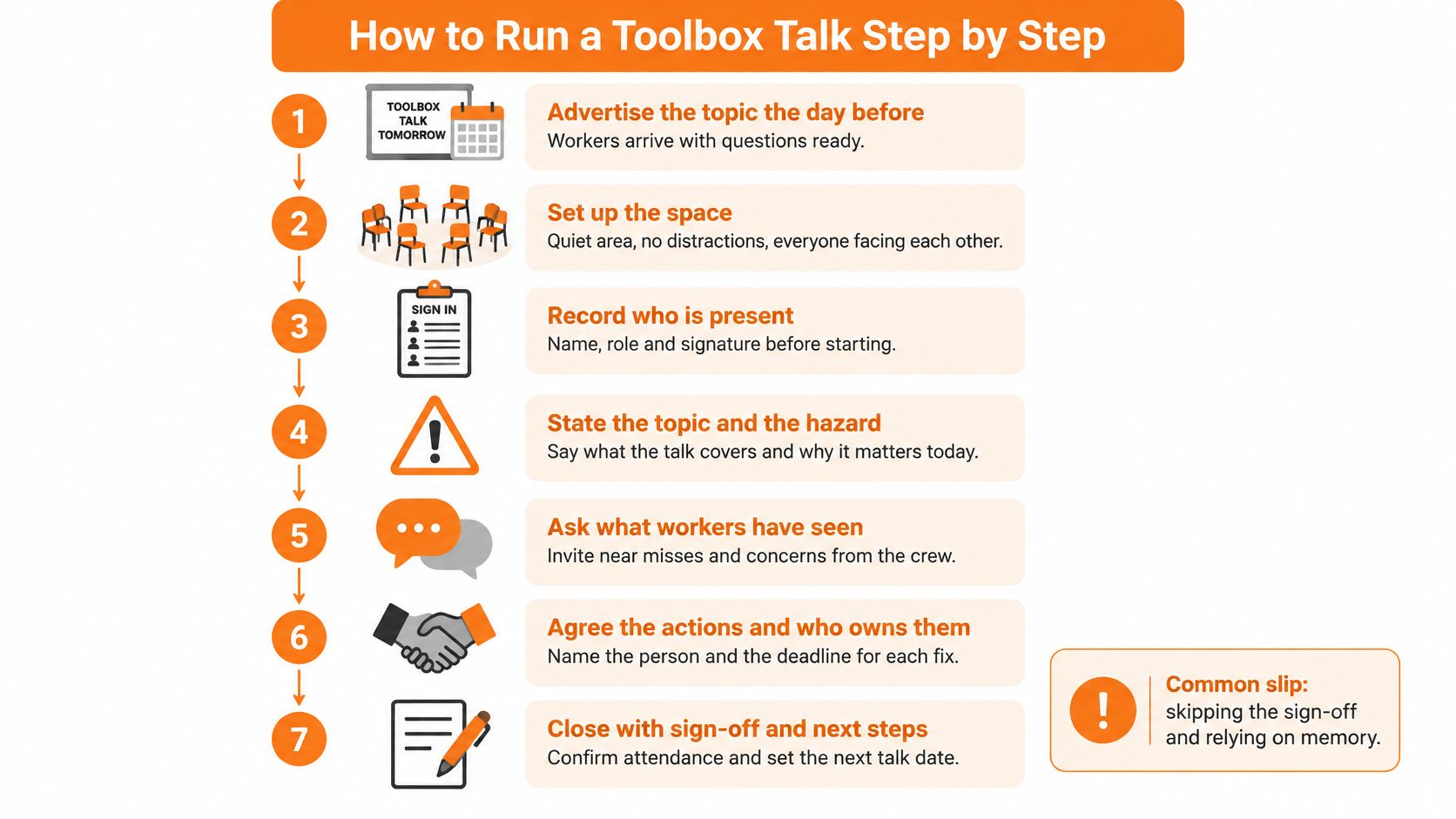
- Advertise the topic the day before. Workers who know what's coming arrive with observations already formed. A surprise topic gets nods and no input.
- Name the work activity, the SWMS or JSA and the people affected before you describe any hazard. Scope first, hazard second. The common slip is opening with the hazard and leaving the crew unsure which task it applies to.
- Describe the hazard and its worst realistic outcome in plain words. "If the load shifts here, someone loses a hand" lands harder than a risk matrix reference. The slip is quoting the hierarchy of controls and never naming the injury.
- Ask a scenario question. Something like where a worker should stand when a reversing truck reaches the gate forces the group to reason out loud. The slip is asking "any questions?" and accepting silence as agreement.
- Walk the controls from elimination down to PPE and say which one is changing. A talk where nothing changes is a reminder, not a consultation decision. The slip is presenting existing controls as if they were new.
- Invite feedback and record every issue, including who raised it. An issue without a name is an issue nobody owns on the way out.
- Agree each action with an owner and a due date before the group disperses. Verbal commitments die at smoko. The slip is writing "supervisor to follow up" with no date.
- Verify the control at the next talk or safety committee meeting and record the result. A close-out without a verification entry is a claim, not evidence.
Where contractors or on-hire workers join the group, the facilitator names their duty holder and confirms they hold the relevant SWMS or JSA before starting. The Safe Work Australia model Code of Practice on consultation identifies toolbox talks as a practical option where contractors or on-hire workers are involved in task-specific work, so their attendance and their feedback belong on the same form as employees (model Code of Practice on WHS consultation).
A finished talk is short, noisy and ends in a recorded decision. If it ended with a read-through of slides and a signature queue, the crew was briefed and nobody was consulted.
Recording Sign-Offs That Show Real Consultation
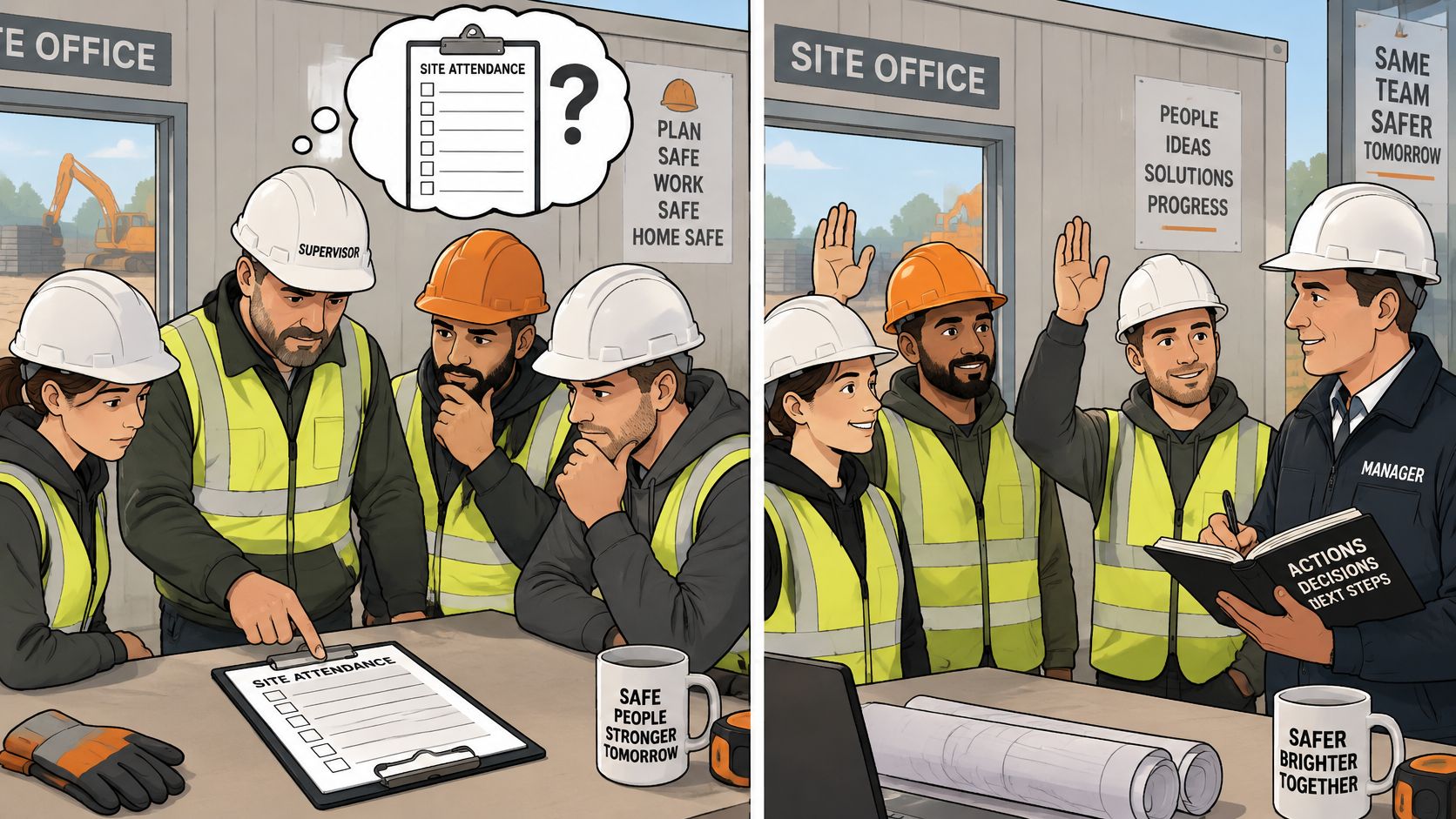
A signed attendance sheet proves who was present. It proves nothing else, and the three things it leaves out are the whole substance of consultation: what workers were told, what they raised, and what management decided.
Australian WHS law doesn't impose a general requirement to document every consultation unless a specific WHS Regulation requires it. Safe Work Australia nevertheless recommends keeping records because they help demonstrate that consultation duties were met, and the model code says a record can be brief and simple while still capturing the safety matter, who was affected, who participated, the key issues raised, the decision and why it was made, who must act and by when, and when the action was completed (Safe Work Australia consultation duties checklist). That's a page, not a minute, and the fifteen fields cover all of it.
| Record type | Shows attendance | Shows what was raised | Shows action closed |
|---|---|---|---|
| Signature sheet only | Yes | No | No |
| Signatures with questions and decisions | Yes | Yes | Not yet |
| Full record with owner, due date and close-out | Yes | Yes | Yes |
| Digital record with timestamp and photo evidence | Yes | Yes | Yes |
The verification rule is simple: every talk needs at least one worker question, observation or confirmation on the record, and "no issues raised" is acceptable only when the group was actively asked and someone confirmed it.
The audit that takes ten minutes
Pull ten recent records and count two things: how many have a blank feedback field, and how many carry an action with no owner or no due date. That count is the honest measure of whether the WHS consultation process is running or just being filed. Remote crews can complete records offline and enter them later, but keep them grouped by site or project so a single audit request pulls everything for one location.
Linking Talks to SWMS, Registers and Digital Records
For high-risk construction work, the relationship is fixed: a talk supports and reviews a safe work method statement, and it never replaces one. Safe Work Australia states that workers and health and safety representatives should be consulted when the SWMS is prepared, and where that didn't happen, consultation should occur when the SWMS is first made available, through workplace-specific training or a toolbox talk, and again at each review (model Code of Practice for construction work).
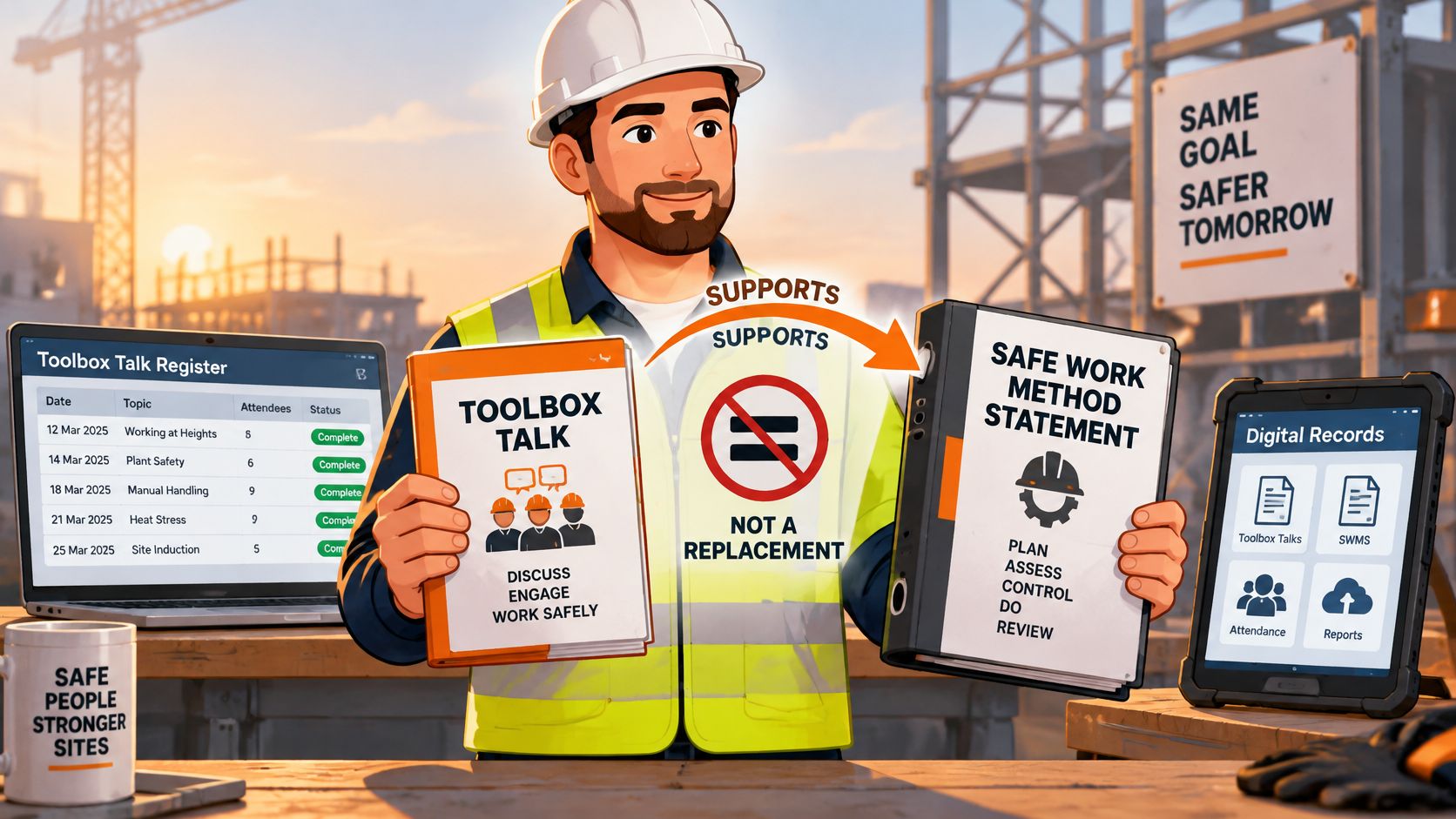
A talk record used this way cites the SWMS identifier, the task and high-risk construction activity, the workers consulted, the date, the issues raised, the agreed changes and the worker acknowledgement. Without those, the talk and the document drift apart within a fortnight of a revision.
The link path runs in three moves:
- A hazard raised in the talk goes into the hazard register. Not into a margin note on the attendance sheet.
- Each action becomes a corrective action with a named owner and a due date, referenced from the talk record.
- A changed control triggers a SWMS review. Where control measures change, the SWMS must be reviewed and revised where necessary, and the revised revision number goes back into the next talk.
Paper stops scaling. Safety Space holds toolbox talks, SWMS and JSAs with worker sign-on, hazard registers and corrective actions against the same site, in the browser and in mobile apps that work offline, which is what field crews need when the record is completed at the gate rather than the office.
Set the link up once by mapping each template field to the register or module that will hold it, one row per field. If the SWMS side is where your gap sits, start from a free SWMS template download and match its activity list to the talks being run.
Confirm Your First Talk Record This Week
Eight actions, run in order. None of them need a new system.
- Choose two triggers from the last three months of incidents, near misses and inspection findings.
- Copy the fifteen fields into your form, register or tool, in the order shown at the top of this article.
- Check that each talk names a current SWMS or JSA with its revision number.
- Decide which fields are mandatory for high-risk work and write that list into the supervisor instructions.
- Make the worker-question field non-blank before any record can be saved.
- Pull ten recent talk records and count the blank feedback fields and the actions with no owner. Fix those records or close them out.
- Set a monthly review of attendance rate, the percentage of talks linked to a current risk assessment, worker-question rate, overdue actions and repeat hazards.
- Take the first completed record to the next safety committee meeting and confirm the open actions carry over rather than restart.
Safety Space gives teams one place to run toolbox talks, attach each record to the SWMS and hazard register for that site, and track every action through to close-out, with offline mobile apps for crews completing records in the field. A free H&S consultation can be booked to work through your current talk records and find the fields that are blank. Visit Safety Space to get started.
Ready to Transform Your Safety Management?
Discover how Safety Space can help you implement the strategies discussed in this article.
Explore Safety Space FeaturesRelated Topics
Safety Space Features
Explore all the AI-powered features that make Safety Space the complete workplace safety solution.
Articles & Resources
Explore our complete collection of workplace safety articles, tools, and resources.